Your playlist. Every screen.

Your IPTV, beautifully on any TV

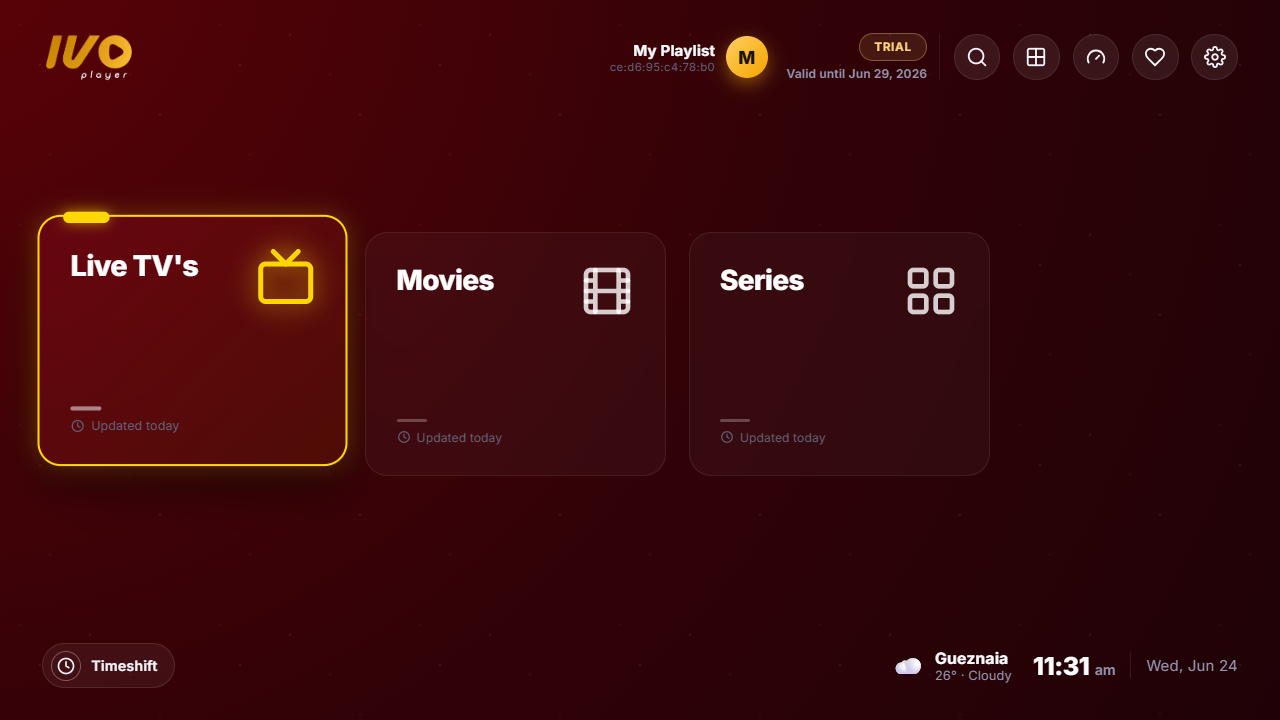
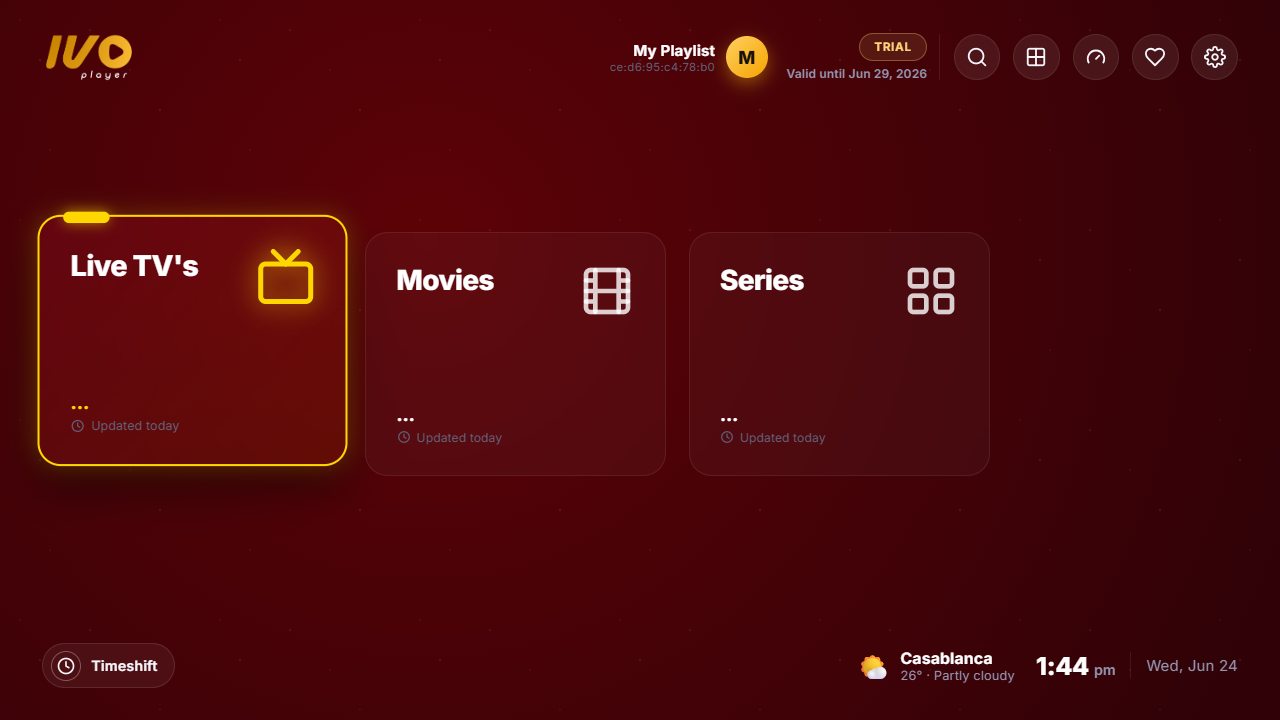
ivoplayer turns your Xtream or M3U subscription into a premium, cable-box experience — Live TV, Movies & Series with a fast, modern interface on Samsung, LG, Android & more.

No channels included — you bring your own provider. 7-day free trial.
Everything you need

Built like a premium player

A polished, remote-friendly experience your customers will actually love using.

Live TV + EPG guide

Full programme guide, now/next, a TV-grid view and reminders — channels feel like real cable.

Movies & Series

Rich posters, cast, ratings and trailers (TMDB-powered), with resume and seasons/episodes.

Catch-up & recording

Replay past programmes straight from the guide on channels that support archive.

Multi-view

Watch up to four channels at once — pick a screen for sound, OK to go full.

Universal search

Find any channel, movie or series instantly across your whole playlist.

Rock-solid playback

Auto-reconnect, stream failover and smart buffering — it keeps playing when others freeze.

Get started in minutes

How it works

No technical setup — install, activate, and watch.

1

Install ivoplayer

Get it on your Samsung, LG, Android TV or Fire TV.

2

Activate

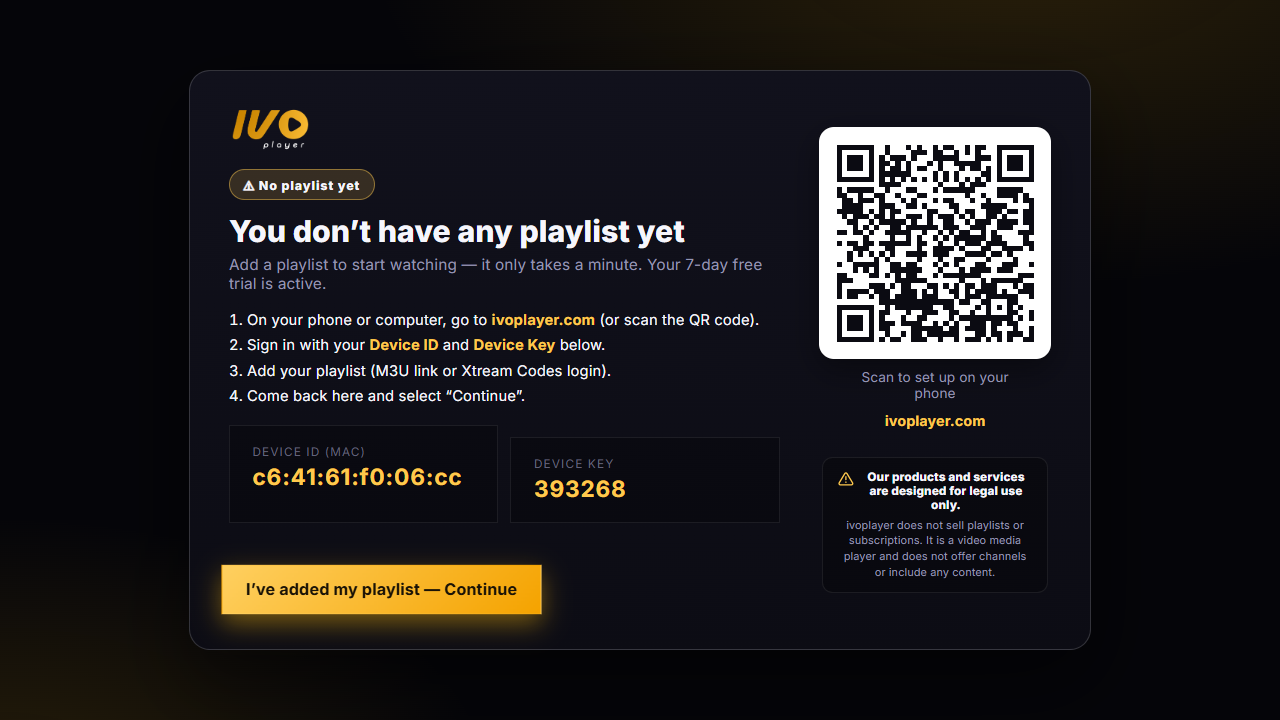
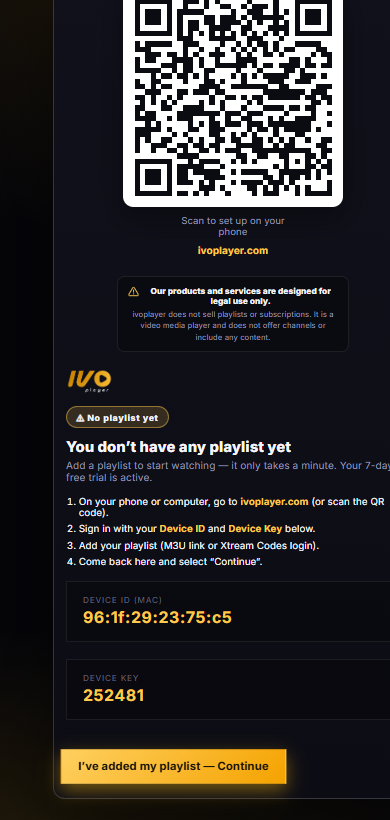
The TV shows a Device ID & a 6-digit key. Sign in to your dashboard with them.

3

Add your playlist

Paste your Xtream login or M3U URL in the dashboard — once.

4

Watch

Your channels, movies and series appear instantly on the TV.

Works everywhere

Every screen you own

One app, native on the TVs people actually have.

Samsung Tizen
LG webOS
Android TV
Fire TV
Android phone
Web browser

Ready to watch?

Sign in to your dashboard with the Device ID and 6-digit key from your TV, add your playlist, and you're live.

Open Dashboard →